Completed
0:00 Intro & Course Promotion
Class Central Classrooms beta
YouTube videos curated by Class Central.
Classroom Contents
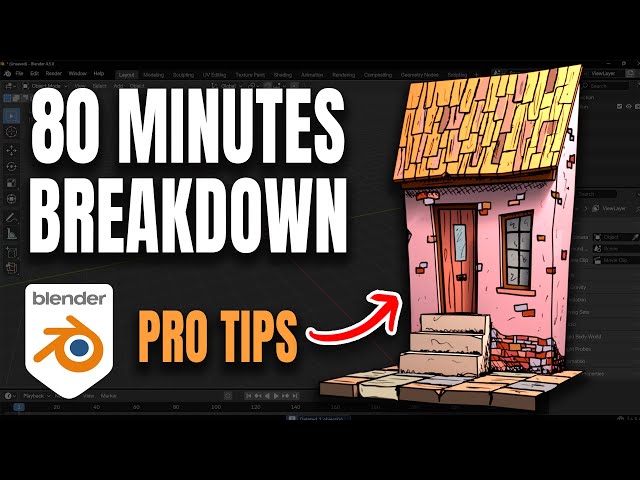
Grease Pencil Masterclass - 3D House Model Full Workflow Breakdown
Automatically move to the next video in the Classroom when playback concludes
- 1 0:00 Intro & Course Promotion
- 2 0:40 Starting the Project: Basic 3D Modeling
- 3 1:02 Simple Wibbly-Wobbly Modeling Technique
- 4 1:21 Creating the Roof & Detailing Doors/Windows
- 5 3:15 Modeling Complete & Basic Texturing
- 6 3:41 Shading with Object Colors Before Grease Pencil
- 7 4:13 The Grease Pencil Workflow Begins
- 8 4:28 Setting up the Line Art Layer Automatic Outlines
- 9 5:20 Customizing the Sketch Brush Jitter & Randomness
- 10 5:30 Drawing the Sketch Layer Bricks, Shading, etc.
- 11 6:39 Pro Tip: Watch Out for the Delete Brush
- 12 7:22 Coloring with Grease Pencil Fill Layer
- 13 7:40 Layer Order: Fill Below Sketch Layer
- 14 7:58 Quick Coloring Tip: Using the Color Attribute
- 15 8:47 Adding Variation to Colors Bricks & Tiles
- 16 9:26 Lighting, Compositing & Final Look
- 17 9:48 Dealing with Lighting Glitches on Grease Pencil Strokes
- 18 10:05 Pro Tip: Warm Color Grading with Curves
- 19 10:29 Advanced Tip: Experimenting with the Aces Color Space
- 20 10:45 Final Render, Recap & Outro

