
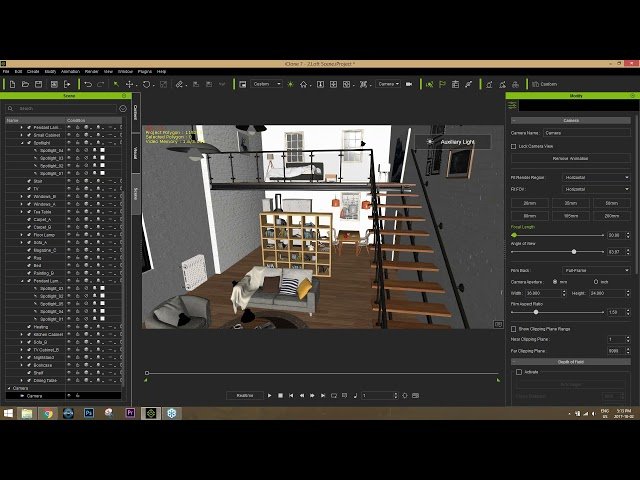
From A to Z: Creating an iClone Scene - Introduction and Scene Setup

From A to Z: Creating an iClone Scene - Introduction and Scene Setup

Reallusion via YouTube Direct link

Adding Materials

8 of 13

8 of 13

Adding Materials

Class Central Classrooms beta

YouTube videos curated by Class Central.

Classroom Contents

From A to Z: Creating an iClone Scene - Introduction and Scene Setup

Automatically move to the next video in the Classroom when playback concludes

  1. 1 Introduction
  2. 2 Getting Started
  3. 3 Auxilary Light
  4. 4 Dining Table
  5. 5 Exporting to FBX
  6. 6 Importing to iClone
  7. 7 Importing to 3D Warehouse
  8. 8 Adding Materials
  9. 9 Adding Values
  10. 10 B2M Tool
  11. 11 City Marketplace
  12. 12 Substance
  13. 13 Character Creator

Never Stop Learning.

Get personalized course recommendations, track subjects and courses with reminders, and more.

Someone learning on their laptop while sitting on the floor.