Completed
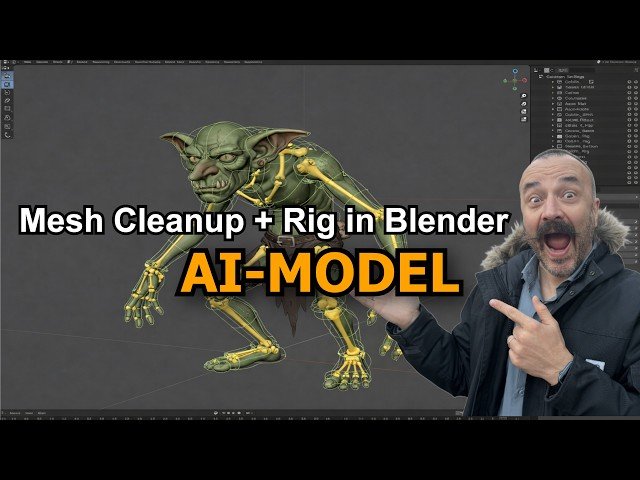
From AI concept to fully rigged 3D character
Class Central Classrooms beta
YouTube videos curated by Class Central.
Classroom Contents
Fix Mesh and Rig AI 3D Models in Blender
Automatically move to the next video in the Classroom when playback concludes
- 1 From AI concept to fully rigged 3D character
- 2 Generate clean multi-view refs front/back/sides
- 3 2D → 3D in Hitem3D high-detail mesh workflow
- 4 Generate geometry + textures and preview quality
- 5 Export the model as FBX for Blender
- 6 Blender workflow: plugin vs manual import
- 7 Install Hitem3D add-on + enable Rigify in Blender
- 8 Import FBX and diagnose scale/origin problems
- 9 Run the Python “auto-fix” script scale + feet to ground
- 10 Why dense meshes are great and why rigs can fail
- 11 Mesh cleanup + smart reduction preserve details
- 12 Add Rigify armature and fit it to a creature body
- 13 Parent mesh to rig with Automatic Weights
- 14 Quick pose test to confirm the rig works
- 15 Wrap-up + where to get scripts/links

