Completed
3:52 - Additional tools to try
Class Central Classrooms beta
YouTube videos curated by Class Central.
Classroom Contents
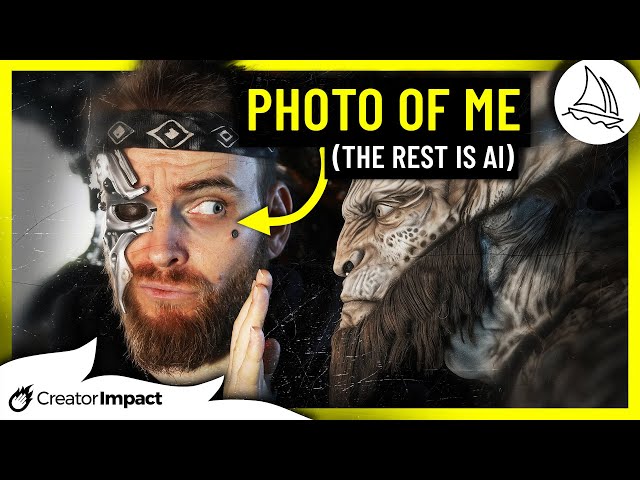
Easy Ways to Add Your Face to Midjourney Images for Unique AI Art
Automatically move to the next video in the Classroom when playback concludes
- 1 0:00 - Intro & generating an image of yourself
- 2 1:16 - Adjustments and tips for restyling
- 3 3:27 - Combining with Midjourney Moodboards
- 4 3:52 - Additional tools to try
- 5 4:34 - Using your photo as a base for a restyled image
- 6 5:39 - Editing a photo of you and retaining a very high resolution
- 7 7:16 - Downloading and upscaling your image
- 8 8:50 - Blending you AI image with your real life photo

