Completed
20:03 Add new SLO to the existing dashboard
Class Central Classrooms beta
YouTube videos curated by Class Central.
Classroom Contents
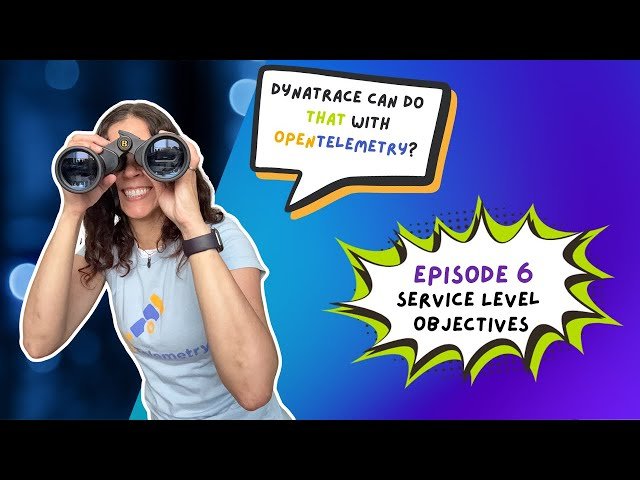
Service-Level Objectives with OpenTelemetry in Dynatrace - Episode 6
Automatically move to the next video in the Classroom when playback concludes
- 1 00:00 Opening credits
- 2 00:17 Welcome
- 3 01:19 What are we talking about today?
- 4 03:05 Service-Level Objectives
- 5 04:45 Create service availability SLO
- 6 11:29 Edit SLO
- 7 11:58 Add SLO to dashboard
- 8 13:44 Create performance SLO
- 9 15:59 Customize SLO with DQL
- 10 20:03 Add new SLO to the existing dashboard
- 11 21:58 Add performance metric to existing SLO dashboard
- 12 25:17 Parameterize performance metric query
- 13 29:59 What to expect in the next episode

