Completed
21:00 – Accessibility in Generated Code
Class Central Classrooms beta
YouTube videos curated by Class Central.
Classroom Contents
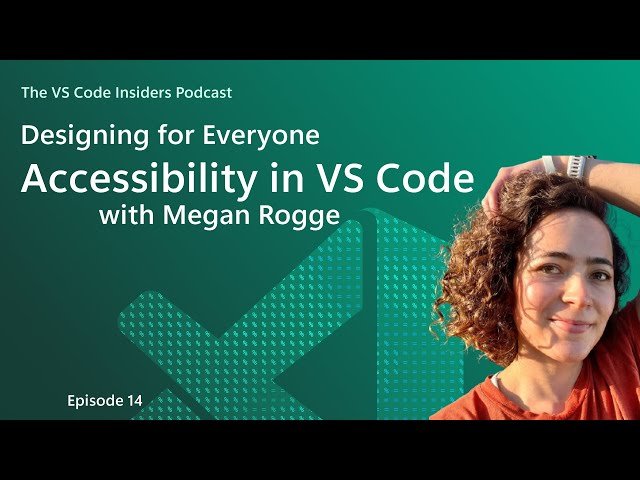
Designing for Everyone - Accessibility in VS Code
Automatically move to the next video in the Classroom when playback concludes
- 1 00:00 – Intro & Megan’s Role
- 2 01:30 – Why Accessibility Matters
- 3 03:00 – Supporting Screen Reader Users
- 4 06:30 – Community Feedback & Testing
- 5 09:45 – Terminal Output in Chat
- 6 13:15 – Discoverability & Accessible Views
- 7 16:00 – Color Contrast & Themes
- 8 18:30 – Sound Signals & Inputs
- 9 21:00 – Accessibility in Generated Code
- 10 23:30 – Final Thoughts & Getting Involved

