Completed
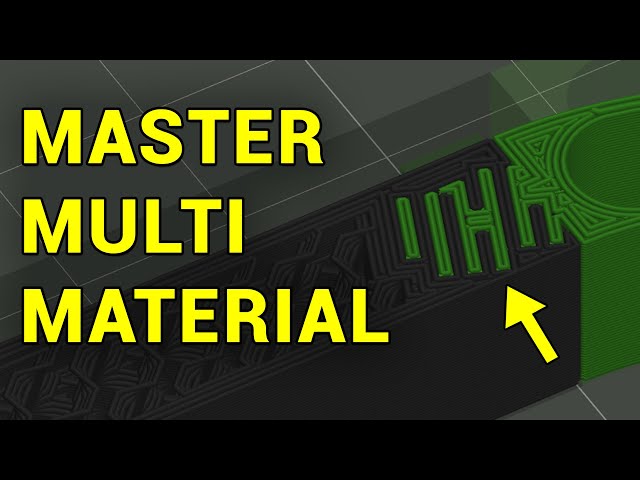
10:30 Designing interlocking shapes
Class Central Classrooms beta
YouTube videos curated by Class Central.
Classroom Contents
Designing and Slicing for Multi Material 3D Printing
Automatically move to the next video in the Classroom when playback concludes
- 1 0:00 Introduction
- 2 0:49 Snapmaker U1 and SV08 updates
- 3 1:50 Slicer placement and material tuning
- 4 4:37 Multi material perfect supports
- 5 8:41 Designing custom support blocks in CAD
- 6 10:30 Designing interlocking shapes
- 7 12:25 Beam interlocking
- 8 13:36 Combining rigid with less rigid filaments
- 9 14:45 Super tight clearance print in place models
- 10 15:59 Conclusion

