Completed
Rendering a HDRI in Unreal Engine
Class Central Classrooms beta
YouTube videos curated by Class Central.
Classroom Contents
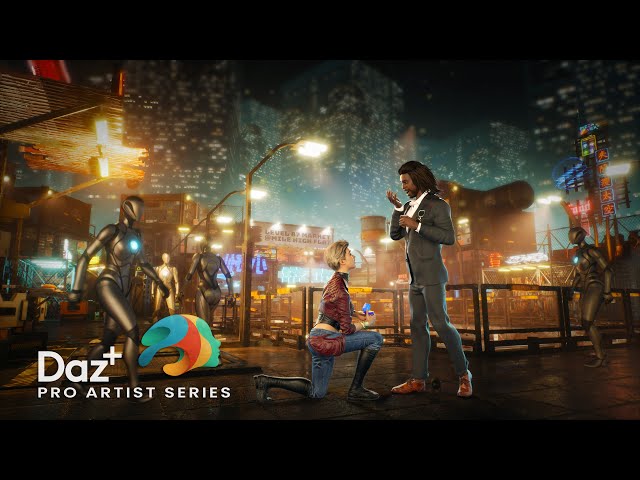
Cyberpunk Proposal with Daz Studio and Unreal Engine
Automatically move to the next video in the Classroom when playback concludes
- 1 Holding Loop
- 2 Titles and Welcome
- 3 Session Overview
- 4 Unreal Engine Prep Work
- 5 Exploring and Tidying Up the UE Set
- 6 Filament News in Daz Studio Beta
- 7 Posing my Characters
- 8 Adjusting Tara's Face with Power Pose
- 9 Adjusting Xola's Pose and Face
- 10 Rendering a HDRI in Unreal Engine
- 11 Setting up my HDRI in Daz Studio
- 12 Exporting objects from UE into Daz Studio
- 13 Snapping and Duplicating Ground Planes
- 14 Doing a Preview Render in Daz Studio
- 15 Setting up a Render in Unreal Engine
- 16 Compositing both Renders in Photoshop
- 17 Trying out a second camera angle in UE
- 18 Adjusting both images in Photoshop
- 19 Adding Background Robot Characters
- 20 Finishing Touches in Photoshop
- 21 Goodbye

