Completed
00:00 Holding Loop
Class Central Classrooms beta
YouTube videos curated by Class Central.
Classroom Contents
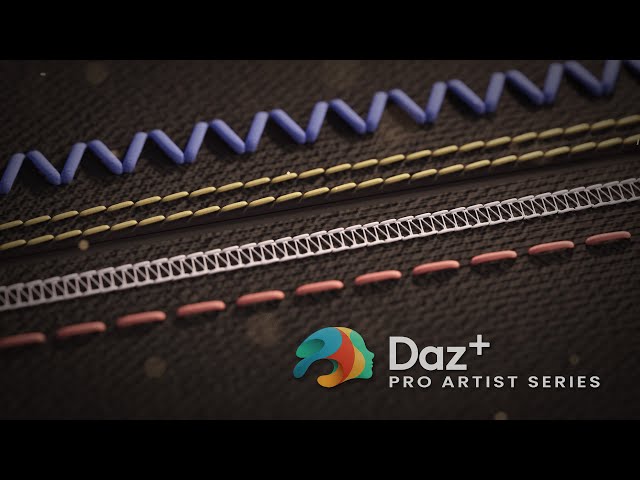
Creating Stitches in Marvelous Designer and Substance Painter - Daz+ Pro Artist Series
Automatically move to the next video in the Classroom when playback concludes
- 1 00:00 Holding Loop
- 2 19:40 Titles and Welcome
- 3 24:20 John's MD to Daz Studio Workflow
- 4 38:20 Starter Dress overview
- 5 42:00 Adding Stitches with Marvelous Designer
- 6 52:40 Seam Line Normals in MD
- 7 57:50 Cutting Patterns with the Measuring Tool
- 8 1:05:00 Creating Stitch Variations
- 9 1:10:30 UV Mapping and Substance Materials in MD
- 10 1:24:00 Importing Substance Materials into MD
- 11 1:28:50 Exporting Textures from MD
- 12 1:35:00 Exporting Stitches as Height Maps
- 13 1:45:10 Blending Normals with Height in Substance Painter
- 14 1:57:00 Applying our textures in Daz Studio
- 15 2:12:00 Q&A
- 16 2:17:10 Automatic Stitches in Substance Painter
- 17 2:29:30 Adding Edge Indents with the Border Generator
- 18 2:32:10 Painting Stitches in Substance Painter
- 19 2:37:00 Goodbye

