
Completed
Introduction
Class Central Classrooms beta
YouTube videos curated by Class Central.
Classroom Contents
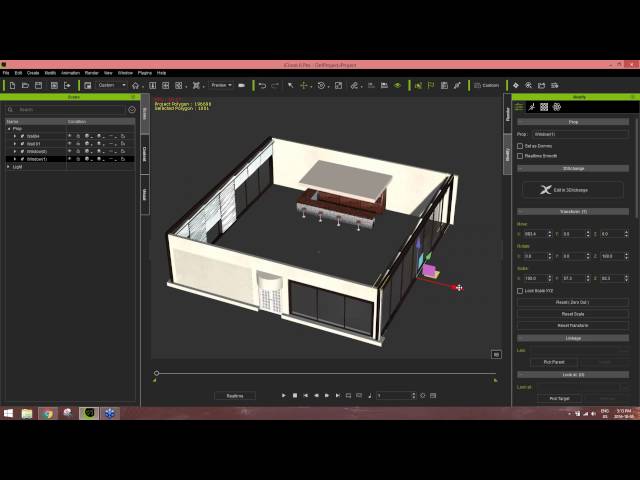
Creating and Animating a Character Scene in iClone - Webinar
Automatically move to the next video in the Classroom when playback concludes
- 1 Introduction
- 2 Overview
- 3 Creating the Scene
- 4 Text to Speech
- 5 Starting a New Project
- 6 Saving a New Project
- 7 Creating a Window
- 8 Creating a Sofa
- 9 Rotating the Window
- 10 Rotating the Wall
- 11 Creating the Floor
- 12 Resizing the Floor
- 13 Adding the Sofa
- 14 Adding Table Sets
- 15 Adding Textures
- 16 Changing Tile Sizes
- 17 Adding Characters
- 18 Animating Characters
- 19 Painting the Carpet
- 20 Mixing Motions
- 21 Walking to Sit
- 22 Facial Animation
- 23 Looking at Each Other
- 24 Facial Animation with Expression
- 25 Direct Puppet
- 26 Primary Rotation
- 27 Camera Setup
- 28 Camera Positioning
- 29 Lighting
- 30 QA Session

