Completed
Preview
Class Central Classrooms beta
YouTube videos curated by Class Central.
Classroom Contents
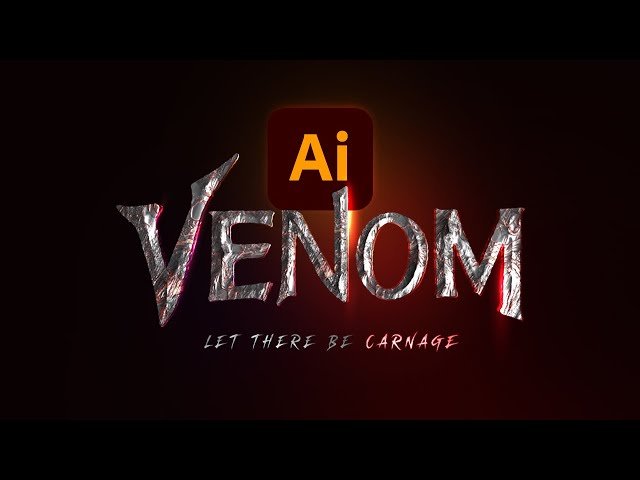
Creating a Venom Logo in Adobe Illustrator
Automatically move to the next video in the Classroom when playback concludes
- 1 Preview
- 2 That was intense! Introduction
- 3 Starting and setting up the document
- 4 Select the Pen Tool and begin drawing
- 5 Roughen up the edges
- 6 The almighty 3D panel
- 7 Adding highlights
- 8 Let there be carnage adding the tagline
- 9 Enhancing the design with Photoshop magic
- 10 Thank you for watching!

