Completed
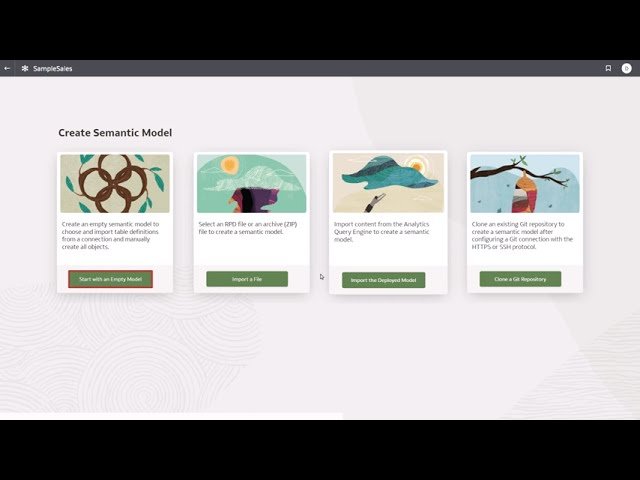
Create the Semantic Model
Class Central Classrooms beta
YouTube videos curated by Class Central.
Classroom Contents
Create, Deploy and Test a Semantic Model in Oracle Analytics Semantic Modeler
Automatically move to the next video in the Classroom when playback concludes
- 1 Verify the Oracle Database Connection
- 2 Create the Semantic Model
- 3 Add Physical Tables to the Semantic Model
- 4 Create Physical Table Aliases
- 5 Create Physical Joins
- 6 Set Logical Layer Automatic Renaming Preferences
- 7 Create the Business Model
- 8 Add Tables to the Logical Layer
- 9 Create the Presentation Layer
- 10 Build the Subject Area
- 11 Add and Modify Presentation Tables
- 12 Deploy the Semantic Model
- 13 Test the Semantic Model in a Workbook

