Completed
00:00 Intro – why Hitem3D is best for image-to-3D
Class Central Classrooms beta
YouTube videos curated by Class Central.
Classroom Contents
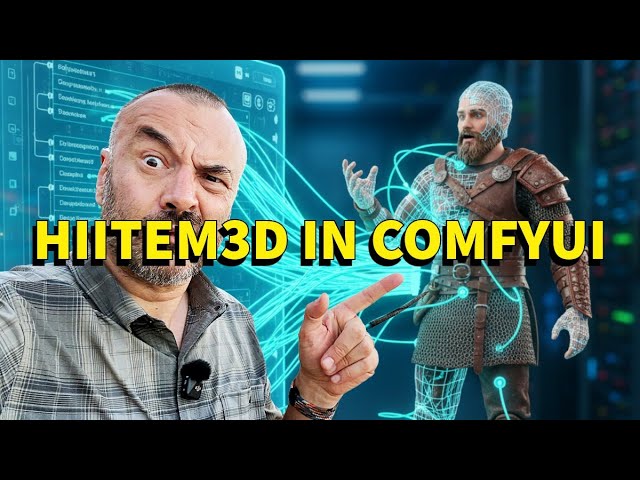
Create 3D Models from a Single Image in ComfyUI with Hitem3D - Full Setup and Test
Automatically move to the next video in the Classroom when playback concludes
- 1 00:00 Intro – why Hitem3D is best for image-to-3D
- 2 00:22 Drawback – locked to their interface
- 3 00:44 Comparing Rodin, Tripo, and others
- 4 01:21 Hitem3D releases API
- 5 01:33 Free 200 credits
- 6 01:43 No ComfyUI support yet
- 7 01:52 My custom nodes + workflow solution
- 8 02:50 What’s included – install, keys, output
- 9 03:00 Setup – ComfyUI local, render on Hitem3D servers
- 10 03:18 Handling timeouts
- 11 03:29 Installing custom nodes
- 12 03:44 Using CMD in custom_nodes folder
- 13 04:06 Install Git and verify
- 14 04:55 Clone GitHub repo
- 15 05:08 Overview of repo and files
- 16 05:48 Run install.bat and setup_wizard
- 17 06:31 Save API keys to config.json
- 18 07:00 Use temporary keys optional
- 19 07:53 Verify files after cloning
- 20 08:11 Updating repo via Git
- 21 08:50 Installing dependencies
- 22 09:45 Getting API keys from Hitem3D
- 23 10:38 Managing and deleting keys securely
- 24 12:00 Checking credits
- 25 13:40 Run setup_wizard and adjust timeout
- 26 14:51 Confirm config.json
- 27 15:32 Load example workflow
- 28 15:52 HTML preview work in progress
- 29 16:32 Fix missing nodes in ComfyUI
- 30 17:36 Load single or multi-view images
- 31 17:59 Adjust model, resolution, and format
- 32 18:40 Where files are saved
- 33 19:47 Direct server link and download path
- 34 20:54 Future updates – local task history
- 35 21:43 Running the workflow
- 36 22:33 Job done – model ready
- 37 22:47 Viewing final result
- 38 23:38 Open-source notes and feedback
- 39 24:15 Cleanup and delete demo keys
- 40 24:38 Outro – like, subscribe, share

