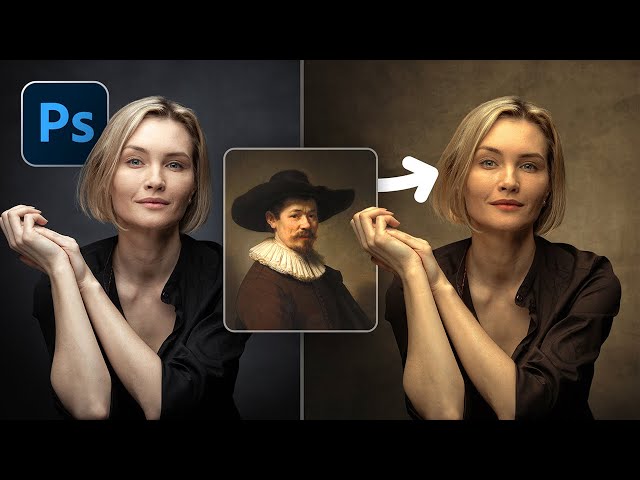
Copy and Apply Renaissance Painting Colors in Photoshop

Copy and Apply Renaissance Painting Colors in Photoshop

PiXimperfect via YouTube Direct link

Coloring the Clothes

7 of 8

7 of 8

Coloring the Clothes

Class Central Classrooms beta

YouTube videos curated by Class Central.

Classroom Contents

Copy and Apply Renaissance Painting Colors in Photoshop

Automatically move to the next video in the Classroom when playback concludes

  1. 1 What We'll Learn
  2. 2 Preparing the Reference
  3. 3 Match the Background
  4. 4 Match the Subject - Brightness and Contrast
  5. 5 Match the Subject - Skin Tone
  6. 6 Match the Lips
  7. 7 Coloring the Clothes
  8. 8 Suggestions and Result

Never Stop Learning.

Get personalized course recommendations, track subjects and courses with reminders, and more.

Someone learning on their laptop while sitting on the floor.