Completed
1:47:00 Using the Genesis 9 Developer Tools
Class Central Classrooms beta
YouTube videos curated by Class Central.
Classroom Contents
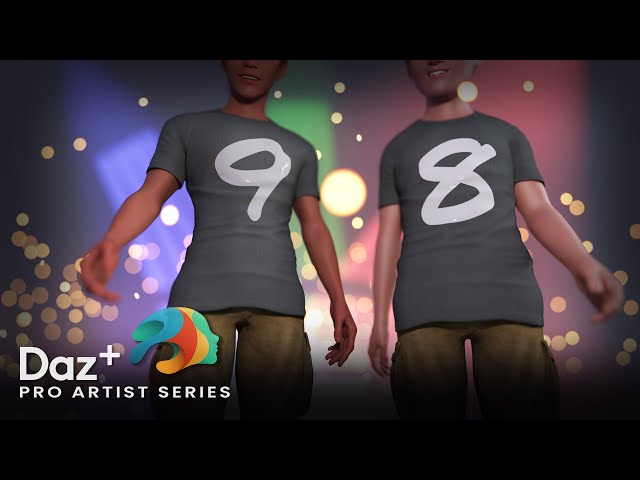
Converting Clothing from Genesis 9 to 8 and Back - Daz Studio Pro Artist Series
Automatically move to the next video in the Classroom when playback concludes
- 1 00:00 Holding Loop
- 2 09:10 Titles and Welcome
- 3 11:20 Conversion Options
- 4 20:20 How to use Auto Fit G8 to G9
- 5 24:20 Using the RSSY Clothing Converter
- 6 31:10 Smoothing Weight Maps after conversion
- 7 33:40 Using the Smoothing Modifier
- 8 43:15 QA: Smoothing Modifier with multiple objects
- 9 53:00 Smoothing geometry with Hexagon
- 10 1:01:30 Updating the Base Geometry
- 11 1:08:40 Hexagon Workflow Tips
- 12 1:16:30 Creating a Custom Character Fit Morph
- 13 1:22:00 Converting G9 Clothing to G8
- 14 1:39:50 Adding a Subdivision Modifier
- 15 1:44:00 About Joint Control Morphs
- 16 1:47:00 Using the Genesis 9 Developer Tools
- 17 1:54:30 Audience QA
- 18 2:05:30 Session Recap
- 19 2:10:20 Goodbye

