Completed
5:51 Pro Tip: Monitor GPU Watt Usage with nvitop for Optimal Performance
Class Central Classrooms beta
YouTube videos curated by Class Central.
Classroom Contents
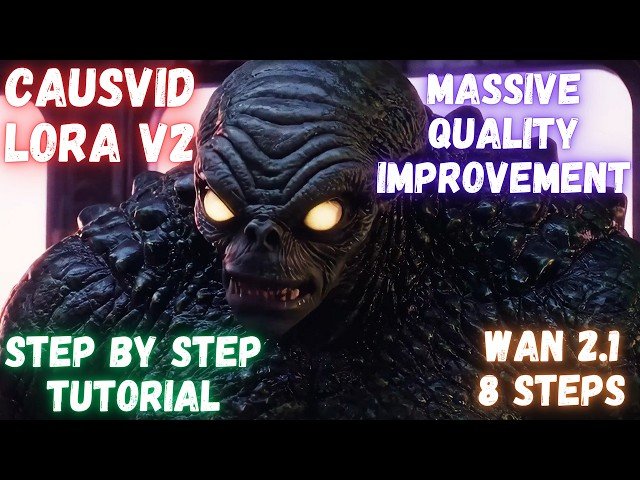
CausVid LoRA V2 of Wan 2.1 Brings Massive Quality Improvements - Better Colors and Saturation
Automatically move to the next video in the Classroom when playback concludes
- 1 0:00 Intro: CausVid LoRA v2 vs v1 - Huge Quality Leap
- 2 0:17 Unveiling Massive Quality Boost in Local Video AI Wan 2.1 & CausVid LoRA
- 3 0:40 Deep Dive: CausVid LoRA v2 - 8 Steps, Speed & Enhanced Quality
- 4 1:17 Tutorial Goal: One-Click Install & Use New LoRA v2 in SwarmUI
- 5 1:56 For Existing Users & Full Walkthrough Start
- 6 2:07 Step 1: Download & Extract SwarmUI Model Downloader
- 7 2:29 Step 2: Running the Model Downloader Script
- 8 2:42 Step 3: Downloading Wan 2.1 Core Models Includes LoRA v2
- 9 3:04 Model Downloader: Advanced Features & Customization
- 10 3:42 Step 4: Update SwarmUI to Latest Version
- 11 3:58 Step 5: Importing SwarmUI Presets for LoRA v2
- 12 4:23 Step 6: Applying "Fast CausVid with Wan 2.1" Preset
- 13 4:42 Step 7: Image-to-Video - Image Setup & Aspect Ratio
- 14 5:01 Model Selection for Image-to-Video Wan 2.1 Variants
- 15 5:28 Step 8: Critical Settings for Image-to-Video Creativity, Prompt, Frames, RIFE
- 16 5:51 Pro Tip: Monitor GPU Watt Usage with nvitop for Optimal Performance
- 17 6:30 GPU Optimization: "Reverse VRAM" Trick in SwarmUI Server Settings
- 18 6:57 Monitoring Generation Progress, Speed & HD Resolution Example
- 19 7:25 Image-to-Video Result: Excellent Quality in Under 2.5 Minutes
- 20 7:38 Text-to-Video: Setup with CausVid LoRA v2 & Model Selection
- 21 8:12 Text-to-Video Tips: Using Sage Attention, No T-cache with Fast LoRA
- 22 8:47 Troubleshooting Text-to-Video: The Importance of Selecting the LoRA Model!
- 23 9:04 Mastering LoRAs in SwarmUI: Adjusting Weights, Scale & Impact
- 24 9:30 Advanced LoRA Usage: Selecting and Weighting Multiple LoRAs
- 25 9:53 Text-to-Video Result with LoRA: Significant Improvement, Prompting Tips
- 26 10:09 Sneak Peek Part 1: The Ultimate Video Upscaler In Development
- 27 10:21 Upscaler Deep Dive: Diffusion-Based, Frame/Sliding Window, Flicker Prevention
- 28 10:49 Upscaler Features: Auto Scene Splitting, CogVLM2 Captioning, Batch, FPS Control
- 29 11:15 Upscaler Tool: Output Comparison Video Generation
- 30 11:47 Sneak Peek Part 2: Local Video Comparison Slider Application
- 31 12:11 Slider Demo: Visualizing LoRA v1 vs v2 Quality Improvement
- 32 12:27 Upscaler & Comparison App Development: Call for Feedback & Suggestions
- 33 12:57 Conclusion & Future Release Plans for New Tools

