Completed
0:00 Introduction
Class Central Classrooms beta
YouTube videos curated by Class Central.
Classroom Contents
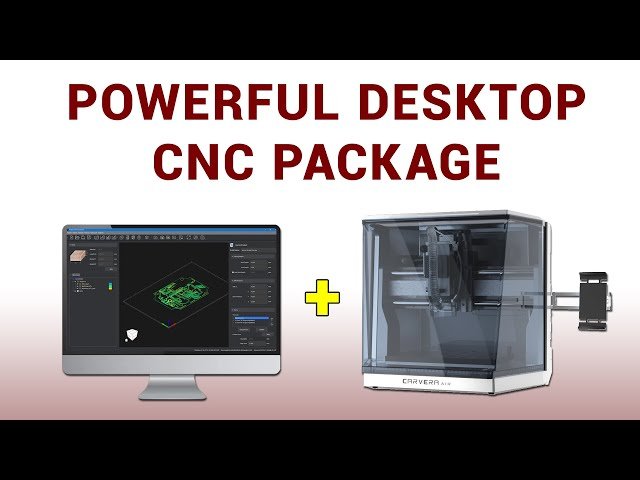
Carvera Air Desktop CNC Hardware and Software Review
Automatically move to the next video in the Classroom when playback concludes
- 1 0:00 Introduction
- 2 0:53 Overview
- 3 1:57 Carvera Air production version improvements
- 4 4:12 Makera CAM Installation and registration
- 5 4:31 Resources and help
- 6 5:24 General workflow, camera manipulation, stock setting and file type
- 7 8:18 Tool library and toolpath preview
- 8 9:44 Visualisation and exporting
- 9 10:29 Holes, threads and chamfers
- 10 12:27 3D contoured relief
- 11 13:11 Laser engraving
- 12 14:05 PCB
- 13 15:13 4th axis machining
- 14 17:56 Conclusion

