Completed
1:34:40 Combining and UV Unwrapping
Class Central Classrooms beta
YouTube videos curated by Class Central.
Classroom Contents
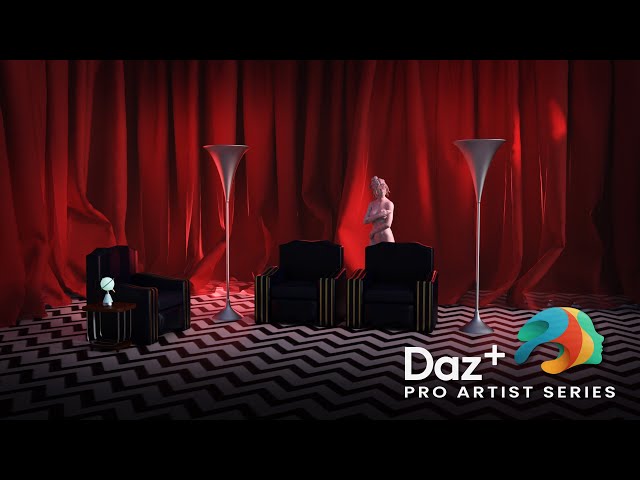
Building a Twin Peaks Red Room Vignette for Daz Studio
Automatically move to the next video in the Classroom when playback concludes
- 1 00:00 Holding Loop
- 2 10:10 Titles and Welcome
- 3 12:50 Session Overview
- 4 16:30 Blocking out the room in Daz Studio
- 5 17:50 Making Curtains with Marvelous Designer
- 6 30:50 Importing the curtains in Daz Studio
- 7 40:30 Creating the Floor Pattern with Substance Designer
- 8 53:10 Creating the floor in Blender
- 9 1:01:00 Using References in Blender
- 10 1:08:00 Creating a Sitting Reference Pose
- 11 1:11:30 Blocking out the Chairs in Blender
- 12 1:16:40 Detailing the Arm Rest
- 13 1:24:10 Detailing the Back
- 14 1:28:40 Detailing the Seat Cushion
- 15 1:34:40 Combining and UV Unwrapping
- 16 1:38:40 Texturing the Chair in Substance Painter
- 17 1:54:30 Setting up the Chair in Daz Studio
- 18 2:01:10 Modelling the Lamp in Blender
- 19 2:11:10 Importing the Lamp and creating a Metal Material
- 20 2:17:10 Creating the Statue Pose in Daz Studio
- 21 2:27:35 Fixing the Statue UVs in Blender
- 22 2:31:10 Texturing the Statue in Substance Painter
- 23 2:41:00 Setting up the Statue in Daz Studio
- 24 2:44:10 Goodbye

