Completed
24:06 - Committing current progress
Class Central Classrooms beta
YouTube videos curated by Class Central.
Classroom Contents
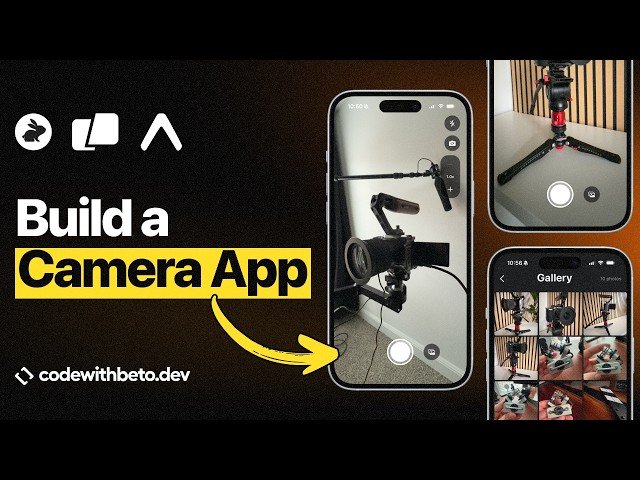
Building a Real Camera App With Warp - CodeRabbit - Expo MCP
Automatically move to the next video in the Classroom when playback concludes
- 1 00:00 - Intro
- 2 02:53 - Installing Warp
- 3 03:13 - Installing CodeRabbit CLI
- 4 03:43 - Installing Expo Go
- 5 04:10 - Creating a new React Native Expo project
- 6 05:23 - Indexing the codebase
- 7 06:07 - Adding Expo MCP
- 8 07:56 - Using Warp File Explorer
- 9 08:32 - Using Expo MCP
- 10 10:25 - Installing Expo Camera using MCP
- 11 13:00 - Committing code with Warp
- 12 13:46 - Prompting for a simple camera screen
- 13 15:15 - Testing Camera on a real device
- 14 15:52 - Simplifying UI
- 15 16:55 - Using CodeRabbit CLI to review our progress
- 16 17:36 - Using multiple agents
- 17 18:14 - Applying CodeRabbit suggestions
- 18 19:11 - Committing current progress to GitHub
- 19 19:25 - Adding more features
- 20 21:01 - Testing taking pictures
- 21 22:09 - Running CodeRabbit again to review progress
- 22 22:35 - Testing preview screen presentation modes
- 23 24:06 - Committing current progress
- 24 24:34 - Adding Camera Controls
- 25 26:49 - Testing camera controls on real device
- 26 29:27 - Using Screenshot as context to fix error
- 27 30:20 - Reviewing current progress with CodeRabbit
- 28 31:05 - Fixing potential issues found by CodeRabbit
- 29 33:53 - Recap

