Completed
00:00 Demo & Resources
Class Central Classrooms beta
YouTube videos curated by Class Central.
Classroom Contents
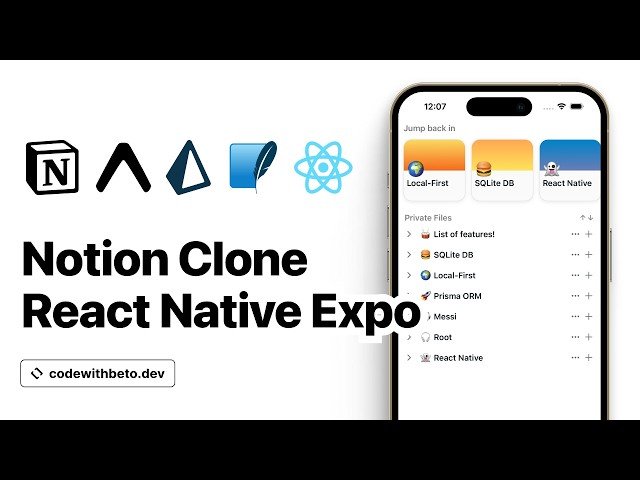
Building a Notion Clone with React Native Expo and Prisma - Local-First Tutorial
Automatically move to the next video in the Classroom when playback concludes
- 1 00:00 Demo & Resources
- 2 13:06 Creating New Expo App
- 3 13:48 Installing Dependencies
- 4 16:18 Prisma ORM Setup
- 5 18:19 Creating Expo Development Build
- 6 20:22 Creating Schema
- 7 34:12 Prisma Extended Client Setup
- 8 40:37 Creating Test Data
- 9 52:02 Draggable Notion List Component
- 10 1:00:55 Persisting Files Order onDragEnd
- 11 1:06:40 Notion List Item Component
- 12 1:19:27 Inner Notion List Item Component
- 13 1:25:26 Integrating Action Sheet
- 14 1:31:54 Customizing Theme Colors
- 15 1:33:00 Customizing Tabs and Layout
- 16 1:33:58 New Notion Screen
- 17 2:03:35 Custom Notion Button Component
- 18 2:10:04 Markdown Text Input Component
- 19 2:15:18 Rendering Inner Files
- 20 2:18:25 Saving/Editing Notion Files
- 21 2:27:22 Viewing Notion Files
- 22 2:30:13 Creating Child Notion Files
- 23 2:32:19 Creating Additional New Notion Stack Screen
- 24 2:36:27 Notion List Header Component
- 25 2:41:59 Recent Files Component
- 26 2:49:35 Recent File Card Component
- 27 3:05:30 Explore Screen
- 28 3:13:34 Conclusion

