Completed
0:00 Introduction: First Impressions Matter in IT Onboarding
Class Central Classrooms beta
YouTube videos curated by Class Central.
Classroom Contents
Build the Best Mac Onboarding Experience with Jamf Setup Manager
Automatically move to the next video in the Classroom when playback concludes
- 1 0:00 Introduction: First Impressions Matter in IT Onboarding
- 2 2:22 Enrollment Workflows: What We Want vs What We Get
- 3 3:29 Tools for Transparent Onboarding: Setup Manager, macOS Onboarding, DP Notify
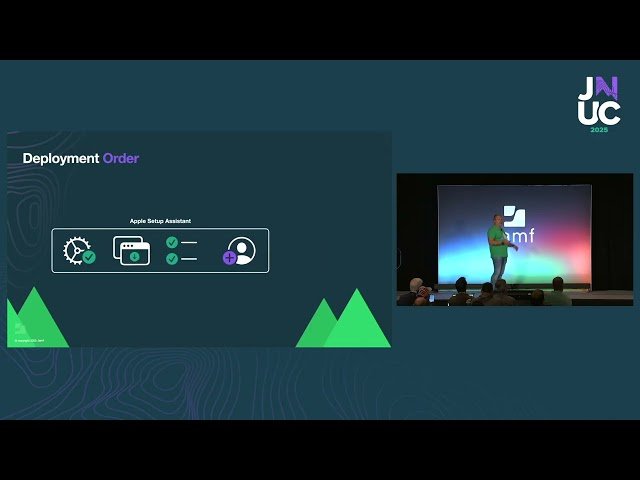
- 4 4:44 Deployment Strategies: Zero-Touch vs Single-Touch IT-Driven Enrollment
- 5 8:44 Live Demo: Zero-Touch Enrollment with Jamf Setup Manager
- 6 10:22 Live Demo: Single-Touch Enrollment with User Assignment and Identity Verification
- 7 18:02 Machine Space vs User Space: Dock Configuration and Personal Preferences
- 8 19:08 Sneak Peek: Guided Desktop Setup Checklist and Welcome Screen Customization
- 9 23:04 Setup Manager Features: Logging, Customization Keys, Jamf Concepts Resources
- 10 26:25 Q&A: User Assignment Updates, Platform SSO, Dock Policies, Secure Tokens, Department Selection

