Completed
1:14:40 Light-Dark Theme
Class Central Classrooms beta
YouTube videos curated by Class Central.
Classroom Contents
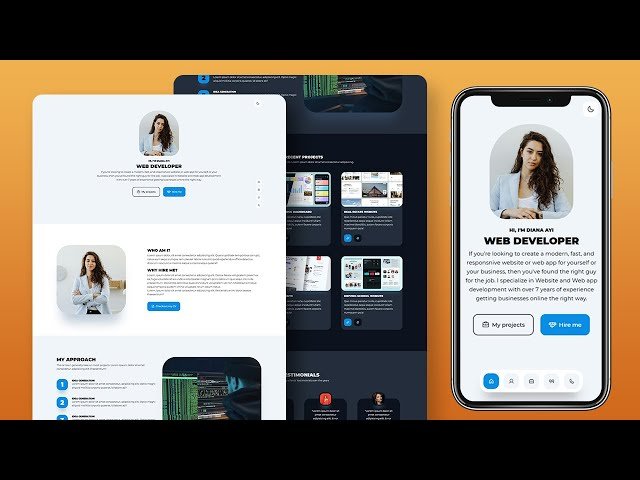
Build and Deploy a Responsive Portfolio Website Using HTML and CSS with Light Dark Mode
Automatically move to the next video in the Classroom when playback concludes
- 1 00:00 Intro Project Demo
- 2 08:37 Hostinger
- 3 12:24 Project Folder Structure
- 4 17:40 Floating Navigation
- 5 23:40 General CSS Styles & CSS Variables
- 6 41:15 Floating Nav CSS
- 7 48:35 Main Header
- 8 1:08:10 Fade-in & Fade-up Keyframes and animations
- 9 1:14:40 Light-Dark Theme
- 10 1:26:50 About Section
- 11 1:35:35 Approach/Process Section
- 12 1:45:30 Recent Projects Section
- 13 1:58:30 Testimonials Section
- 14 2:14:40 Contact Section
- 15 2:28:45 Footer
- 16 2:35:40 Active Nav Item with JavaScript
- 17 2:39:10 Responsive Design with CSS Media Queries

