Completed
00:00:00 — Introduction
Class Central Classrooms beta
YouTube videos curated by Class Central.
Classroom Contents
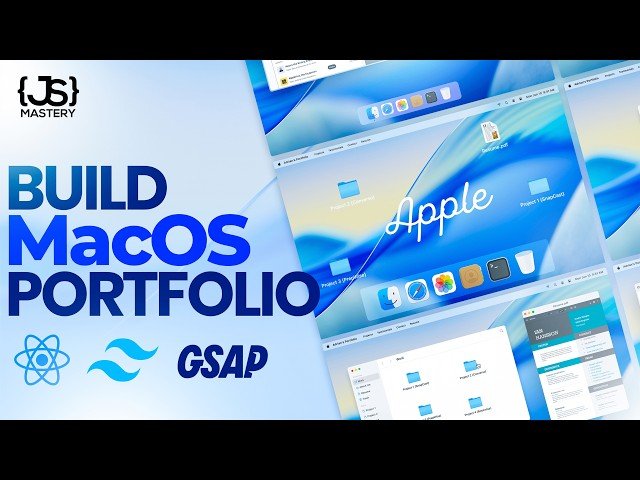
Build and Deploy a MacOS Style Portfolio with React, GSAP and Tailwind
Automatically move to the next video in the Classroom when playback concludes
- 1 00:00:00 — Introduction
- 2 00:03:53 — Hostinger
- 3 00:07:30 — Project Setup
- 4 00:20:15 — Navbar
- 5 00:30:56 — Welcome
- 6 00:59:32 — Dock
- 7 01:15:38 — Window Store
- 8 01:31:15 — High Order Component
- 9 01:58:11 — Safari
- 10 02:08:34 — Resume
- 11 02:16:25 — Location Store
- 12 02:22:07 — Finder
- 13 02:37:29 — Text & Image File Window
- 14 02:45:09 — Contact
- 15 02:52:56 — Home & Challenge
- 16 03:01:36 — Deployment
- 17 03:05:11 — Outro

