Completed
2:27:36 | Pausing and Resuming Newsletters Functionality
Class Central Classrooms beta
YouTube videos curated by Class Central.
Classroom Contents
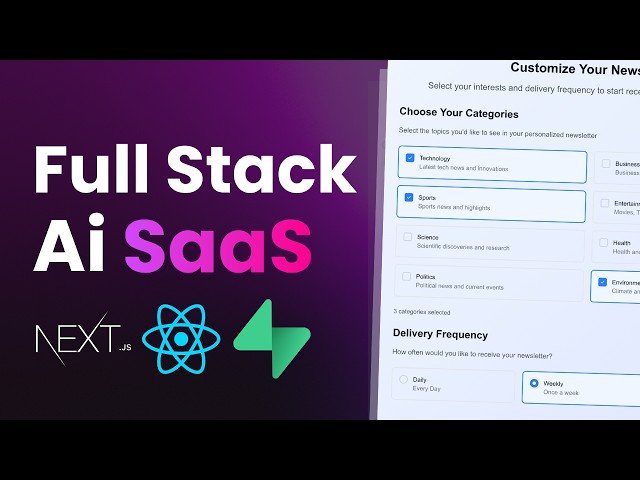
Build an AI Newsletter Generator SaaS - Next.js, Supabase, OpenAI, TailwindCSS
Automatically move to the next video in the Classroom when playback concludes
- 1 00:00 | Introduction
- 2 01:05 | Setting up the Next.js app
- 3 02:28 | Setting up authentication with Superbase
- 4 05:01 | Organizing project files and configuring Superbase
- 5 08:03 | Middleware configuration and setting up session management
- 6 12:25 | Building the sign-in page and implementing user authentication
- 7 19:45 | Handling form submission, sign-up vs sign-in, and toggling states
- 8 30:22 | Redirecting to the dashboard after successful sign-in
- 9 35:03 | Displaying the user's email and adding the logout functionality
- 10 49:06 | Core concept of the SaaS: Fetching and generating personalized newsletters
- 11 52:03 | Integrating Inngest for background tasks like fetching data and sending emails
- 12 59:54 | Setting up OpenAI for generating AI-driven newsletter content
- 13 1:42:41 | Setting up Frequency Options with Radio Buttons and Custom Styling
- 14 1:49:00 | Save Preferences Button Setup and Validation
- 15 1:51:02 | Handling Form Submission and Saving User Preferences
- 16 1:53:13 | Integrating AI Newsletter Generation with Inngest
- 17 2:00:01 | Sending the Generated Newsletter via Email.js
- 18 2:06:12 | Scheduling Future Newsletters Based on User Preferences
- 19 2:27:36 | Pausing and Resuming Newsletters Functionality
- 20 2:36:00 | Fetching and Displaying User Preferences on Dashboard
- 21 3:00:23 | Scheduling Next Newsletter Based on Frequency Selection
- 22 3:04:06 | Cancelling the Scheduled Newsletter Event
- 23 3:07:33 | Resuming the Newsletter Scheduling After Pausing
- 24 3:11:05 | Handling User Status and Event Cancellations
- 25 3:14:21 | Finalizing the Scheduling System for the Newsletter
- 26 3:15:51 | Wrapping Up and Final Thoughts on the Project

