Completed
59:42 Adding header large title
Class Central Classrooms beta
YouTube videos curated by Class Central.
Classroom Contents
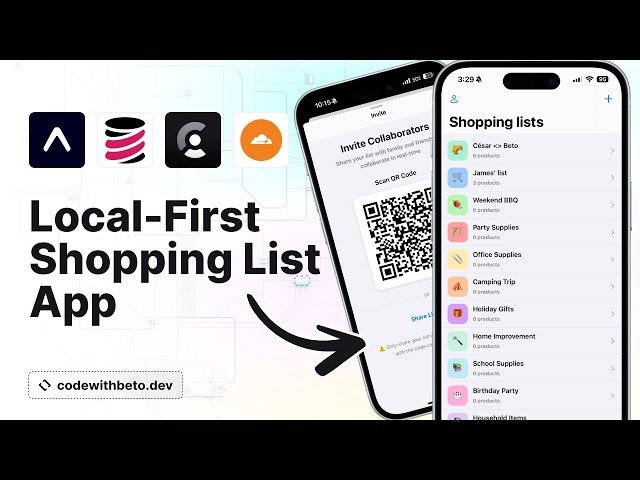
Build a Local-First Real-Time Shopping List App with Expo, TinyBase, Clerk and Cloudflare
Automatically move to the next video in the Classroom when playback concludes
- 1 00:00 Intro
- 2 02:34 Demo
- 3 15:29 Prerequisites
- 4 16:05 Creating the project
- 5 18:31 Installing deps
- 6 22:49 Implementing auth with Clerk
- 7 24:58 Creating .env file
- 8 25:35 Auth flow with Expo Router
- 9 30:33 Adding Clerk provider
- 10 32:51 Adding Clerk token cache
- 11 37:39 Redirect unauthenticated users to sign up screen
- 12 39:28 Implementing sign in screen
- 13 43:02 Creating a reusable button component
- 14 54:27 Creating a reusable text input component
- 15 59:42 Adding header large title
- 16 01:01:06 Creating a reusable scroll view
- 17 01:02:46 Using new components in sign in screen
- 18 01:06:37 Using new components in sign up screen
- 19 01:12:08 Adding sign up logic
- 20 01:21:46 Adding reset password logic
- 21 01:28:59 Adding sign in logic
- 22 01:33:31 Adding home screen header buttons
- 23 01:37:27 Creating list route segment
- 24 01:40:11 Customizing list screens presentation
- 25 01:43:12 Implementing New List screen
- 26 02:00:33 Implementing Create List screen
- 27 02:11:12 Implementing Emoji/Color picker screen
- 28 02:32:43 Adding TinyBase provider
- 29 02:34:12 Creating TinyBase persister
- 30 02:39:47 Creating hook to create and start the persister
- 31 02:44:44 Creating ShoppingListStore component
- 32 02:52:42 Creating hook to create and start the synchronizer
- 33 02:58:31 Continue implementing ShoppingListStore component
- 34 03:02:46 Creating hook to get user id and nickname
- 35 03:04:31 Finishing and overview of ShoppingListStore component
- 36 03:06:09 Creating ShoppingListsStore component list of lists
- 37 03:13:58 Creating hook to save shopping lists
- 38 03:17:48 Adding ShoppingListsStore to home layout
- 39 03:18:21 Start working on the sync server
- 40 03:20:13 Installing toml files VSCode extension
- 41 03:21:40 Installing TinyBase in the server
- 42 03:21:53 Implementing sync server
- 43 03:26:08 Deploying the sync server to Cloudflare
- 44 03:28:04 Inspecting deployment in Cloudflare dashboard
- 45 03:29:58 Creating shopping lists
- 46 03:31:59 Creating list details screen
- 47 03:36:48 Displaying shopping list in home screen
- 48 03:41:55 Testing synchronization in local and deployed server
- 49 03:45:01 Creating list item component
- 50 03:52:07 Implementing swipe to delete
- 51 03:59:40 Improving UI for list details screen
- 52 04:04:39 Creating list product item component
- 53 04:07: 56 Creating product navigation segment
- 54 04:08:12 Creating new product screen
- 55 04:12:27 Creating share and edit list screens
- 56 04:13:05 Implementing edit list screen
- 57 04:17:29 Implementing scan QR code screen
- 58 04:24:53 Implementing share list screen
- 59 04:29:06 Implementing list product details screen
- 60 04:32:03 Adding sign out button
- 61 04:32:49 Adding delete account button
- 62 04:34:50 Recap and testing app features
- 63 04:36:48 Outro

