Completed
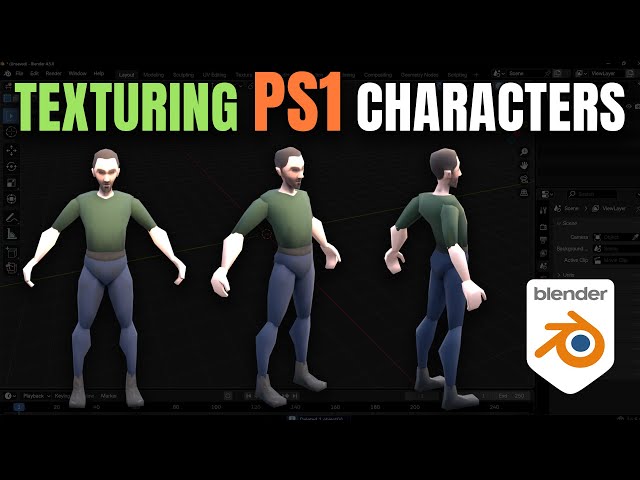
00:00:00 Introduction & Tutorial Goal PS1 Realism
Class Central Classrooms beta
YouTube videos curated by Class Central.
Classroom Contents
Blender Tutorial - Texture Painting for PS1 Characters
Automatically move to the next video in the Classroom when playback concludes
- 1 00:00:00 Introduction & Tutorial Goal PS1 Realism
- 2 00:01:38 Preparing for Texturing: UV Editing Workspace
- 3 00:02:47 Smart UV Project Unwrapping the Model
- 4 00:03:45 Entering the Texture Paint Workspace
- 5 00:04:59 Setting Up the Material & Texture Slot
- 6 00:07:33 Setting the PS1 Texture Resolution Low-Res
- 7 00:08:24 Changing the Paint Brush Settings
- 8 00:09:44 Applying the Base Colors Texture Painting
- 9 00:13:30 Switching to Erase/Blend Mode
- 10 00:15:31 Setting Up the Shading for PS1 Look
- 11 00:16:35 Making the Texture Sharper/Crisper
- 12 00:17:28 Crucial Step: Saving the Image File
- 13 00:17:35 Final Polish: Shade Smooth For Better Look

