Completed
00:00 Introduction, Overview & Free Reference Sheets
Class Central Classrooms beta
YouTube videos curated by Class Central.
Classroom Contents
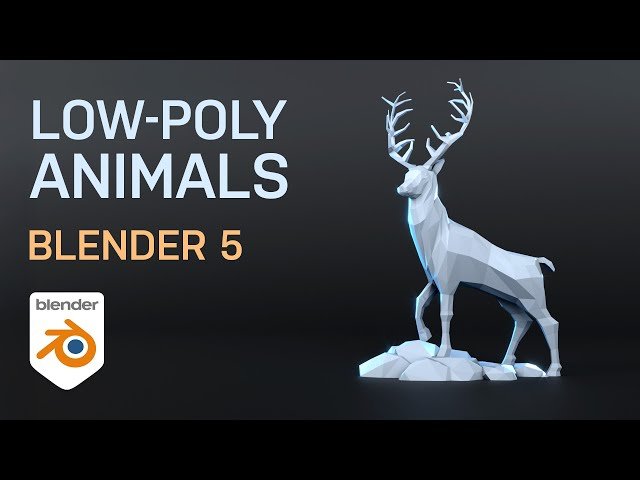
Blender 5 for Beginners - Model Any Low Poly Animal - Detailed Follow-Along Guide
Automatically move to the next video in the Classroom when playback concludes
- 1 00:00 Introduction, Overview & Free Reference Sheets
- 2 00:40 Blender Basics: Scene Setup & Navigation
- 3 00:56 Importing & Positioning the Front Reference Image
- 4 03:11 PAUSE 1: Catch Up on Front Reference Setup
- 5 03:21 Duplicating & Positioning the Side Reference Image
- 6 04:16 Organizing References into a Collection
- 7 04:35 PAUSE 2: Catch Up on Side Reference Setup
- 8 04:47 Starting the Model: Scaling the Cube & Entering Edit Mode
- 9 05:47 Adjusting Vertices Side View
- 10 06:18 Extruding the Basic Body Shape Torso & Neck
- 11 08:50 PAUSE 3: Catch Up on Main Body Extrusion
- 12 09:10 Refining Body Topology with Loop Cuts & Extruding the Head
- 13 10:24 PAUSE 4: Catch Up on Body Outline & Head Shape
- 14 10:30 Preparing the Mesh & Adding the Mirror Modifier
- 15 12:02 Adjusting Body Width X-Axis using the Front View
- 16 13:02 Modeling the Front Leg Adding Loop Cut & Extrusion
- 17 14:40 PAUSE 5: Extruding Front and Back Legs Challenge
- 18 14:47 Modeling the Back Leg
- 19 17:15 Refining the Body and Legs with Edge Slide for Roundness
- 20 22:31 Modeling the Eyes Inset & Extrude
- 21 24:05 Creating the Ears
- 22 25:30 Modeling and Shaping the Horns/Antlers
- 23 31:54 Adding Color & Materials Creating Material Slots
- 24 34:22 Detailing Features with the Knife Tool e.g., Eyes, Nose
- 25 35:32 Final Model Review & Conclusion

