Completed
0:00 New HiTem3D model—what changed + big reveal teaser
Class Central Classrooms beta
YouTube videos curated by Class Central.
Classroom Contents
AI 3D Modeling with HiTem3D v1.5 - Portrait Mode, Multi-View, and 3D Printing Workflows
Automatically move to the next video in the Classroom when playback concludes
- 1 0:00 New HiTem3D model—what changed + big reveal teaser
- 2 0:27 UI updates: Image-to-Image & Multi-View explained
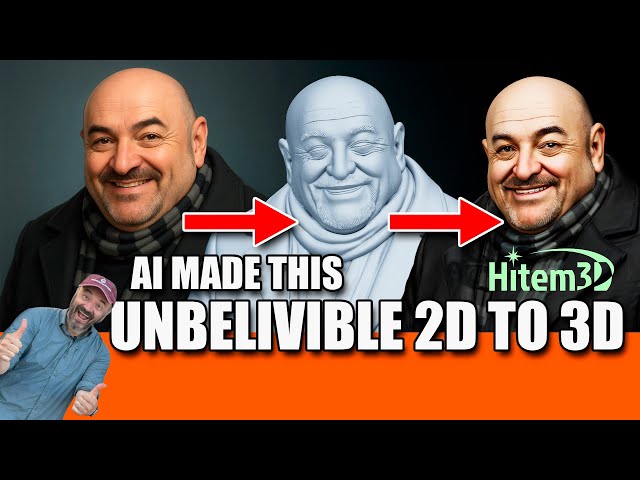
- 3 0:47 New Portrait mode for 2D→3D faces
- 4 1:00 Demo: One selfie → 3D “Gru” bust
- 5 1:43 How to generate + toggle textures
- 6 2:07 v1.5 vs v1.0: presets & ultra-fast Low-poly
- 7 2:34 Pro mesh: cleaner topology, less retopo
- 8 2:57 Case study: Car from a single photo
- 9 3:35 No-texture view: interior & pedals detail
- 10 4:02 Sponsor note opinions are mine
- 11 4:15 High-poly vs Low-poly test Martian
- 12 4:43 Low-poly render—mobile-friendly
- 13 5:17 From figures to jewelry: rings & brooches
- 14 6:14 Cosplay warlock ring example
- 15 6:45 Rococo brooch & “Frog Princess” front/back
- 16 7:11 Depth from 2D; supports & print prep
- 17 7:52 Prompt tips for 3D printing no floating parts
- 18 8:20 Gemini/Nano Banana tweaks: smooth the thorns
- 19 8:59 Ring in HiTem3D + texture preview
- 20 9:34 Elvis ring test & more ideas
- 21 10:00 Castable resin & metal casting workflow
- 22 10:39 Exporting STL/OBJ/GLB/FBX
- 23 11:40 Blender mesh review: v1 vs v1.5
- 24 12:22 Cleaner lines & smarter poly distribution
- 25 13:07 1.5 Low vs High-poly comparison
- 26 13:50 When to choose Low vs Pro
- 27 14:22 Wrap-up + link for bonus credits

