Completed
03:20 – Placing the Guides Head, Spine, Arms, Legs
Class Central Classrooms beta
YouTube videos curated by Class Central.
Classroom Contents
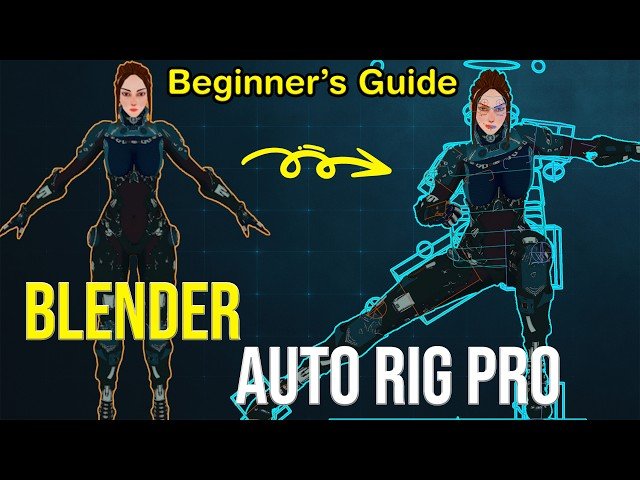
Beginner's Guide to Auto Rig Pro - Rig Characters in Blender Fast
Automatically move to the next video in the Classroom when playback concludes
- 1 00:00 – Intro: Why Auto Rig Pro?
- 2 00:25 – Common Rigging Mistakes to Avoid
- 3 01:15 – Preparing Your Character for Rigging
- 4 02:05 – Setting Up Auto Rig Pro
- 5 03:20 – Placing the Guides Head, Spine, Arms, Legs
- 6 05:10 – Generating the Rig Automatically
- 7 06:30 – Adjusting Bones & Weights
- 8 07:45 – Testing the Rig Pose Mode
- 9 09:00 – Extra Tips & Workflow Shortcuts
- 10 10:00 – Final Thoughts & Outro

