Completed
42:31 - Summary
Class Central Classrooms beta
YouTube videos curated by Class Central.
Classroom Contents
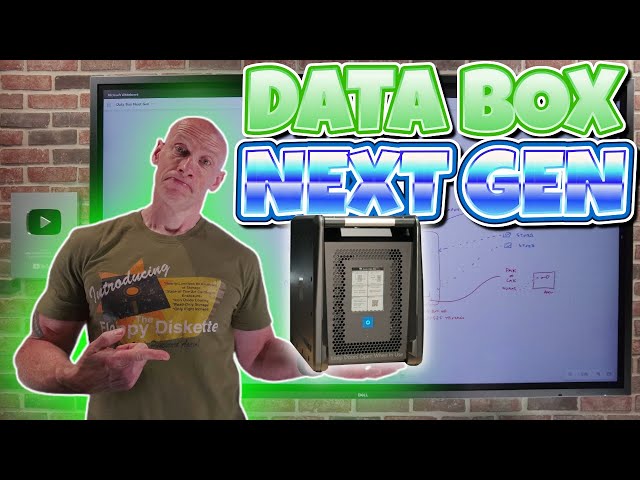
Azure Data Box Next Generation Walkthrough
Automatically move to the next video in the Classroom when playback concludes
- 1 00:00 - Introduction
- 2 00:20 - Offline data migration
- 3 01:12 - When to use offline data migration
- 4 04:56 - Export and import
- 5 05:36 - Target Azure services
- 6 06:30 - Data Box Next Generation
- 7 10:47 - Data Box Disk
- 8 11:36 - How many orders are allowed
- 9 12:02 - Process of ordering
- 10 12:48 - Cross region restore
- 11 14:55 - Picking a Data Box
- 12 15:50 - Selecting target Azure services
- 13 16:53 - Structure created on the Data Box
- 14 20:05 - Security options
- 15 23:30 - Order status
- 16 26:22 - Physical device connection
- 17 27:29 - Data connections
- 18 29:55 - Unlocking the device
- 19 31:44 - Changing the local certificate
- 20 31:59 - Dashboard
- 21 32:20 - Modifying the network interfaces
- 22 32:45 - Copying data
- 23 34:20 - Using a SMB connection
- 24 37:27 - Copy Data job
- 25 38:17 - Preparing for return
- 26 41:54 - Pricing
- 27 42:31 - Summary
- 28 43:51 - Close

