Completed
– Using the Mentor Chat for specific printmaking advice.
Class Central Classrooms beta
YouTube videos curated by Class Central.
Classroom Contents
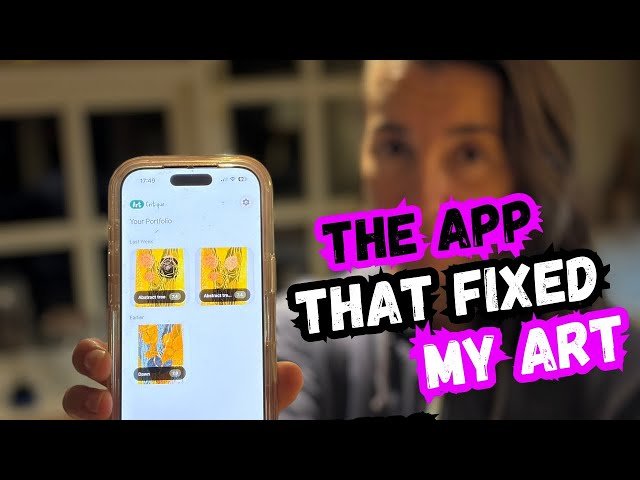
Using AI Art Critique App to Overcome Creative Blocks in Printmaking
Automatically move to the next video in the Classroom when playback concludes
- 1 – Introduction: The creative block and the project background.
- 2 – A closer look at the "Work in Progress" print.
- 3 – App Tutorial: How to find and download Art Critique.
- 4 – Uploading the artwork and setting up the analysis.
- 5 – AI Feedback Results: Breaking down the 7.4/10 score.
- 6 – Reviewing the AI's critique of composition, color, and depth.
- 7 – Using the Mentor Chat for specific printmaking advice.
- 8 – Diving deep into relief-printing techniques suggested by AI.
- 9 – Back in the studio: Inking the local overprint block.
- 10 – The printing process: Masking and pressing.
- 11 – Comparing the results: How the focal point changed.
- 12 – Final touches: Adding teal and gray chine-collé accents.
- 13 – The Final Reveal: Thoughts on the finished composition.

