Completed
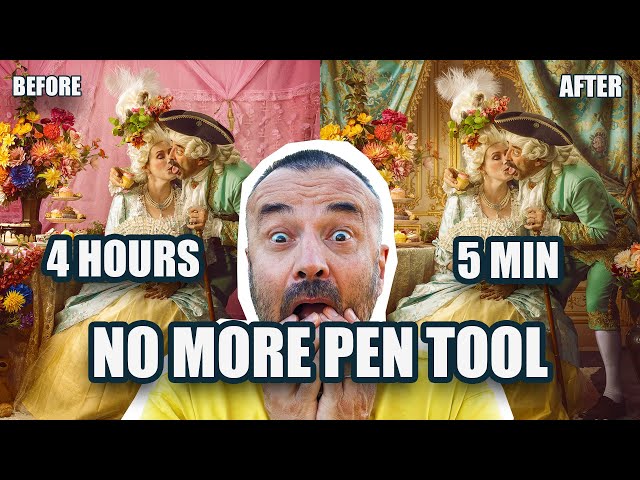
00:00 Rococo photoshoot example and background problem
Class Central Classrooms beta
YouTube videos curated by Class Central.
Classroom Contents
Adobe Firefly and Nano Banana Pro - AI Background Replacement Workflow for Digital Artists
Automatically move to the next video in the Classroom when playback concludes
- 1 00:00 Rococo photoshoot example and background problem
- 2 00:38 Before vs after: instant AI background replacement demo
- 3 01:10 Using your own photos as reusable backdrops
- 4 01:35 Why Nano Banana Pro lets you keep full creative control
- 5 02:00 Overview of Adobe Firefly and Gemini 3 image models
- 6 02:37 Setting up aspect ratio and reference image correctly
- 7 03:26 Writing a precise prompt to replace only the background
- 8 04:15 Fixing stretched images with Crop Tool and Generative Expand
- 9 05:05 Regenerating in correct 4x5 aspect for a perfect result
- 10 05:42 Reusing an AI-generated background via reference images
- 11 06:35 Turning an old photoshoot backdrop into a clean background
- 12 07:20 Removing people and props to isolate just the backdrop
- 13 08:05 Applying the cleaned backdrop to your main portrait
- 14 08:35 Comparing multiple AI background options and fine details
- 15 09:16 Final results: flawless blending without manual masking
- 16 09:46 Wrap-up: saving hours of compositing with AI tools

