Completed
00:00 Holding Loop
Class Central Classrooms beta
YouTube videos curated by Class Central.
Classroom Contents
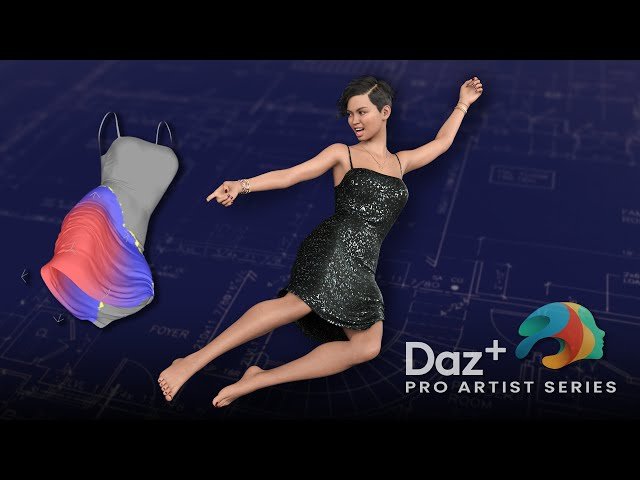
Adjusting Weight Maps in 3D Clothing
Automatically move to the next video in the Classroom when playback concludes
- 1 00:00 Holding Loop
- 2 10:15 Titles and Welcome
- 3 16:00 Checking out Daz Horse 3
- 4 24:00 Applying Poses for Genesis 9 and Horse
- 5 33:00 Restoring the Horse and Genesis Figure Poses
- 6 40:00 Horse 3 Skeleton and Posing Features
- 7 46:00 Weight Maps Introduction
- 8 54:40 Creating Weight Maps for Rigging
- 9 1:00:20 Adjusting Weight Maps for Bones
- 10 1:13:10 Adding dForce to an older dress
- 11 1:20:10 Creating a Weight Map for dForce
- 12 1:33:10 Selecting the skirt to for Exclusion from dForced
- 13 1:40:00 Painting out areas with too much influence
- 14 1:45:50 Using the Gradient Tool
- 15 1:54:50 Creating a looped Selection Set
- 16 2:03:30 Audience QA

