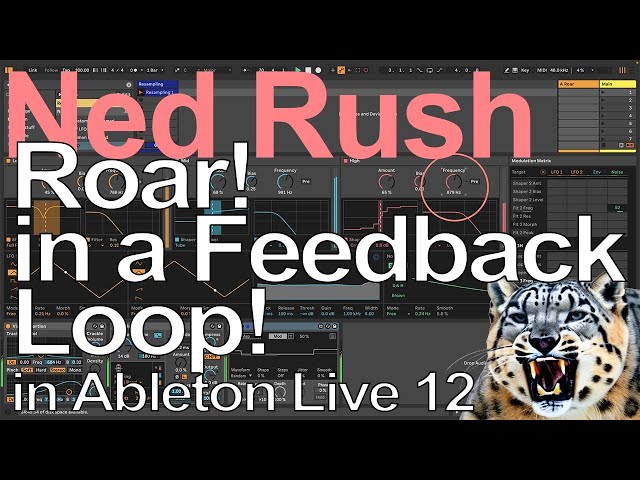
Ableton Live 12 - Creating Feedback Loop Effects with Roar

Ableton Live 12 - Creating Feedback Loop Effects with Roar

Ned Rush via YouTube Direct link

Start the feedback loop

4 of 4

4 of 4

Start the feedback loop

Class Central Classrooms beta

YouTube videos curated by Class Central.

Classroom Contents

Ableton Live 12 - Creating Feedback Loop Effects with Roar

Automatically move to the next video in the Classroom when playback concludes

  1. 1 Introduction
  2. 2 Add a limiter
  3. 3 Enable all sends
  4. 4 Start the feedback loop

Never Stop Learning.

Get personalized course recommendations, track subjects and courses with reminders, and more.

Someone learning on their laptop while sitting on the floor.