Completed
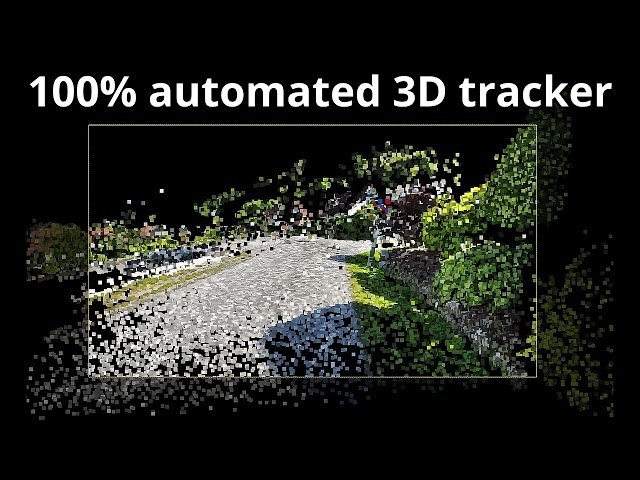
00:00 Introducing the 100% automated 3D tracker
Class Central Classrooms beta
YouTube videos curated by Class Central.
Classroom Contents
3D Camera Tracking with COLMAP - Automated Photogrammetry Workflow for Blender
Automatically move to the next video in the Classroom when playback concludes
- 1 00:00 Introducing the 100% automated 3D tracker
- 2 01:21 Downloading required files
- 3 03:29 Creating the folder structure
- 4 05:00 Running the batch reconstruct script
- 5 06:01 Installing the Photogrammetry Addon to Blender
- 6 07:18 Importing a 3D tracked scene to Blender
- 7 09:23 Creating proxy files to improve viewport performance
- 8 10:51 Track precision demonstration
- 9 12:16 Reviewing a 44 second long track
- 10 14:02 Reviewing a track with accidental vertical footage
- 11 14:42 Importing the point cloud as GeoNodes mesh
- 12 17:00 Adding a ground plane to the true ground
- 13 18:00 Important tip: Turn of image stabilization!
- 14 18:46 Thanks for watching!

