Completed
► Project to Surface:
Class Central Classrooms beta
YouTube videos curated by Class Central.
Classroom Contents
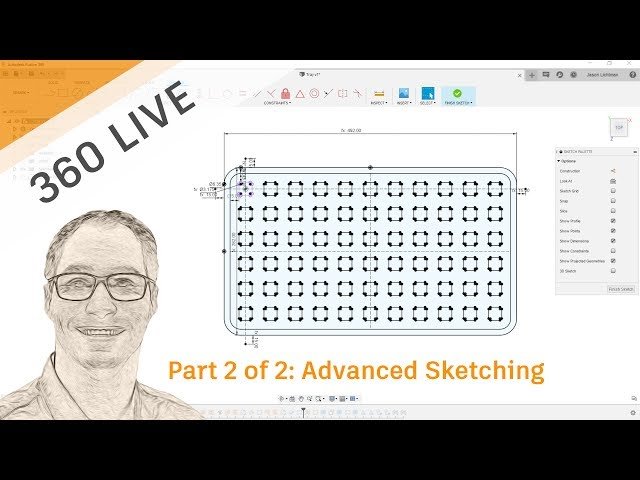
Advanced Sketching
Automatically move to the next video in the Classroom when playback concludes
- 1 ***Skip the Intro ***
- 2 ► Less is More:
- 3 ► Design Half or Design ¼ if Possible:
- 4 ► Dimensions Based on other Dimensions:
- 5 ► Dimensions Based on Equations:
- 6 ► Dimensions Based on Parameter Table:
- 7 ► Dimensions Based on Fractions:
- 8 ► Dimensions Based on Feet AND Inches:
- 9 ► Diameter Dimensions:
- 10 ► Tangent Dimensions:
- 11 ► Setting up 3x Canvases to use as Underlays for Each Plane:
- 12 ► Inserting DXF vs DWG vs SVG:
- 13 ► Issues with Imported Vectors from Illustrator:
- 14 ►►► Fix: Redraw on Top:
- 15 ►►► Fix: Control Point Frame Option:
- 16 ► Lock/Unlock:
- 17 ► Slice:
- 18 ► Holding CTRL to Not Snap:
- 19 ► Move Command:
- 20 ► Different Types of Patterns:
- 21 ► Project vs Intersect:
- 22 ► Include 3D Geometry:
- 23 ► Project to Surface:
- 24 ► Intersection Curve:
- 25 ► 3D Sketching:

