Completed
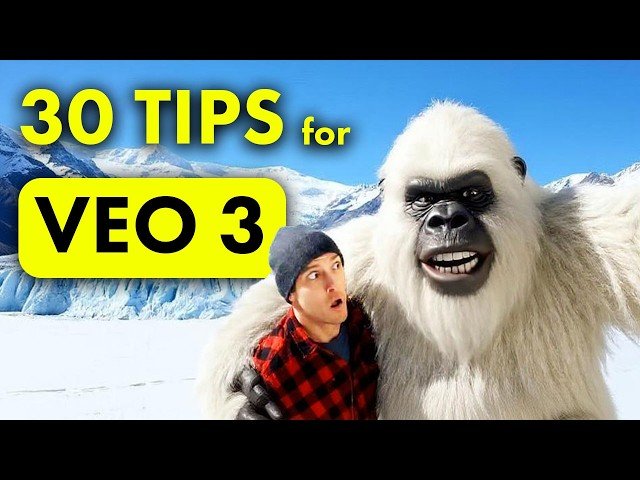
00:00 30 Tips for VEO 3
Class Central Classrooms beta
YouTube videos curated by Class Central.
Classroom Contents
30 Tips to Create Mind-Blowing Videos with Google VEO 3 - Become a Pro
Automatically move to the next video in the Classroom when playback concludes
- 1 00:00 30 Tips for VEO 3
- 2 00:12 Vlog Style Videos
- 3 01:34 Street Interviews
- 4 02:41 Remove Subtitles
- 5 04:28 Character Accents
- 6 06:02 Tone of Voice
- 7 06:57 Ambient Sounds
- 8 07:53 Background Music
- 9 08:43 Upscale Videos
- 10 09:27 FlowTV Prompts
- 11 10:15 Vertical Videos
- 12 11:47 Consistent Character Text Prompts
- 13 13:47 Green Screen Consistent Characters
- 14 15:24 Ingredients
- 15 16:55 Consistent Character from Image Reference
- 16 20:25 Lip Sync
- 17 21:42 Consistent Objects & Products
- 18 22:56 Fight Scenes
- 19 24:00 Fast Mode
- 20 24:48 Camera Shot & Angle
- 21 26:22 Cinematic Prompt Keywords
- 22 27:02 Camera Motions
- 23 27:54 Complex Camera Movements
- 24 28:37 Camera Lens
- 25 29:12 1st Person POV Film
- 26 29:54 Movie Genres
- 27 30:44 Animation Styles
- 28 31:42 Lighting & Color
- 29 32:50 Infinite Looping Videos
- 30 34:02 Veo Image Generator
- 31 35:14 Extend Videos

