
Completed
Intro
Class Central Classrooms beta
YouTube videos curated by Class Central.
Classroom Contents
Windows Timelines in Minutes
Automatically move to the next video in the Classroom when playback concludes
- 1 Intro
- 2 Windows Timelines in Minutes
- 3 What is this talk about?
- 4 Why should you care?
- 5 5 minute NTFS tutorial (cont.)
- 6 Part of the MFT entry for a root directory
- 7 More about NTFS Timestamps
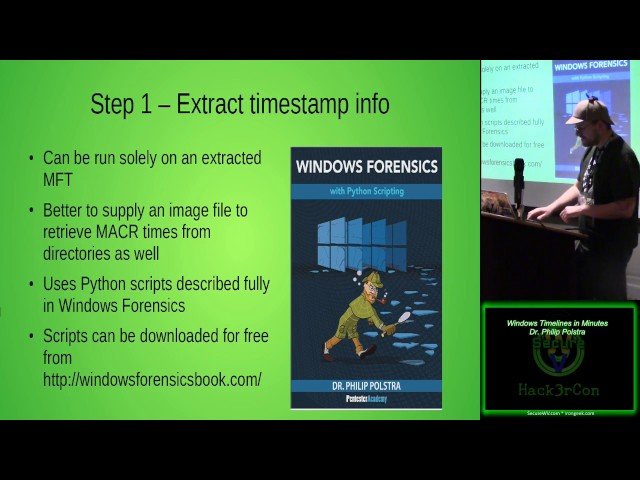
- 8 Extract timestamp info
- 9 MACR retrieveal script overview
- 10 Create a database
- 11 Build that database
- 12 Create the table
- 13 Load the table from CSV file
- 14 Create & Populate timeline table
- 15 Run all the querries you want
- 16 Script to print a timeline
- 17 Example run of print-timeline.sh
- 18 Optional: Import into LibreOffice Calc
- 19 Viewing in Calc
- 20 Script to print timeline for each file
- 21 Example run of print-file-timeline.sh
- 22 Understanding Timestamps
- 23 Copying a File
- 24 Access a File
- 25 Modify a File (save contents)
- 26 Delete a File
- 27 Rename a File
- 28 Move a File (same volume)
- 29 Move a File (new volume)
- 30 Summary

