Completed
- 3:48:33 optional Learning exercise - Change a material color with three.js
Class Central Classrooms beta
YouTube videos curated by Class Central.
Classroom Contents
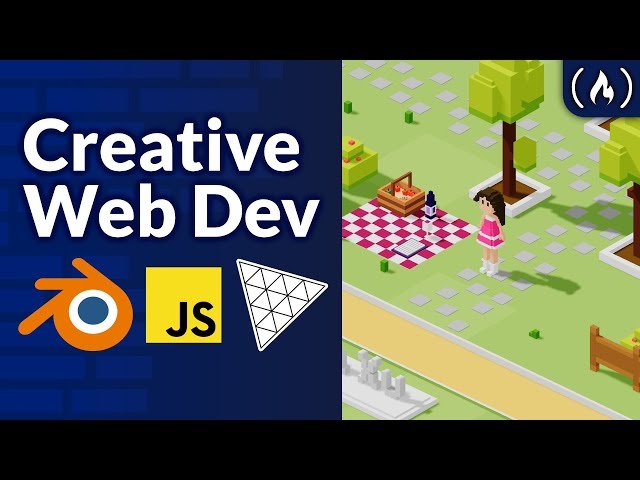
Creative Web Development with Three.js and Blender - 3D Portfolio for Beginners
Automatically move to the next video in the Classroom when playback concludes
- 1 - 0:00:00 Introduction & project demo
- 2 - 0:01:58 Prerequisites
- 3 - 0:02:16 What is creative web development?
- 4 - 0:06:37 Learning first steps with Blender
- 5 - 0:14:05 optional Learning exercise - Think like a 3D artist
- 6 - 0:15:44 Modeling tree bad and good ways
- 7 - 0:42:16 Modeling character
- 8 - 1:16:33 Starting materials
- 9 - 1:29:37 optional Other things you can model
- 10 - 1:37:37 Modeling ground & level
- 11 - 1:41:34 Adding image textures for projects
- 12 - 1:51:35 A look at modeling some paths
- 13 - 1:53:57 A look at different cameras
- 14 - 1:59:03 How I modeled my scene
- 15 - 2:09:04 Adding text & signs
- 16 - 2:18:52 Preparing to export: checking normals, deleting faces, etc.
- 17 - 2:27:47 Export model
- 18 - 2:30:43 Viewing exported model with three.js editor
- 19 - 2:33:43 Starting coding with VS code
- 20 - 2:37:47 Getting started with three.js
- 21 - 3:07:07 optional Learning exercise - Make your camera move away
- 22 - 3:09:35 Quality of life adjustments
- 23 - 3:19:50 Loading & preparing our model
- 24 - 3:26:45 Updating camera & lighting
- 25 - 3:48:33 optional Learning exercise - Change a material color with three.js
- 26 - 3:51:48 Object interactions with raycaster
- 27 - 4:18:22 Character movement with GSAP
- 28 - 4:42:46 Collision detection implementation & custom movement
- 29 - 4:59:30 How to understand and approach difficult code from three.js examples
- 30 - 5:03:45 Collision detection implementation & custom movement
- 31 - 5:29:31 A look back on analyzing difficult code
- 32 - 5:31:02 Code & scene cleanup
- 33 - 5:32:02 Make camera follow player
- 34 - 5:35:27 optional Learning exercises: loading screen, mobile movement, theme switcher
- 35 - 5:37:41 Deployment with GitHub and Vercel
- 36 - 5:38:46 Final words and thoughts

