
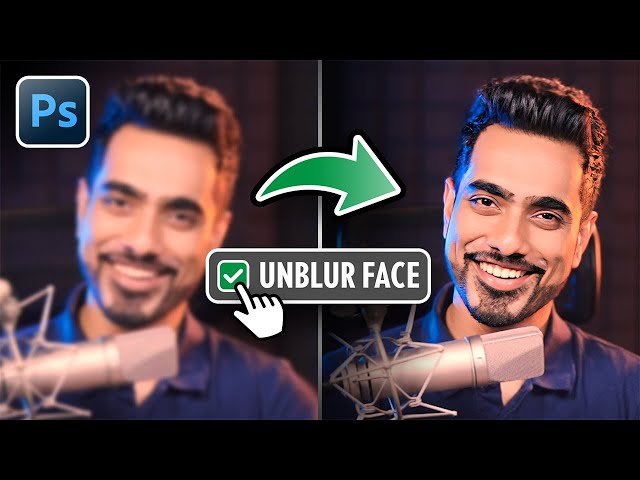
5 Hidden Photoshop Tools for Advanced Editing

5 Hidden Photoshop Tools for Advanced Editing

PiXimperfect via YouTube Direct link

Tip 1 - Unblur Faces

1 of 6

1 of 6

Tip 1 - Unblur Faces

Class Central Classrooms beta

YouTube videos curated by Class Central.

Classroom Contents

5 Hidden Photoshop Tools for Advanced Editing

Automatically move to the next video in the Classroom when playback concludes

  1. 1 Tip 1 - Unblur Faces
  2. 2 Tip 1 - Unblur Alternatives
  3. 3 Tip 2 - Advanced Crop
  4. 4 Tip 3 - Asset Generator
  5. 5 Tip 4 - Scripted Pattern
  6. 6 Tip 5 - Contrast Mask

Never Stop Learning.

Get personalized course recommendations, track subjects and courses with reminders, and more.

Someone learning on their laptop while sitting on the floor.