
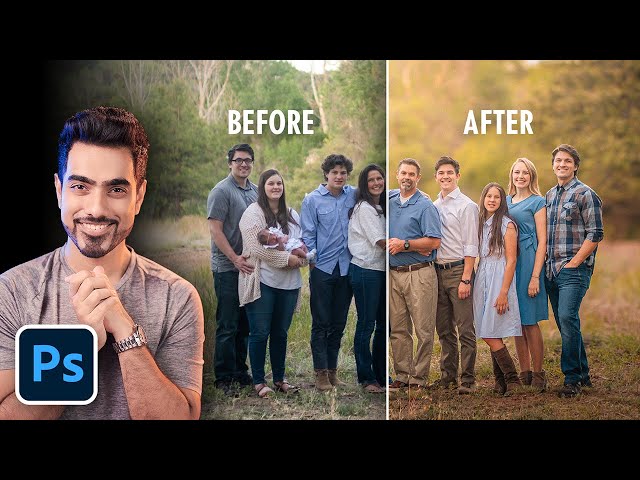
Create Soft Dreamy Portraits - 5-Step Formula in Photoshop

Create Soft Dreamy Portraits - 5-Step Formula in Photoshop

PiXimperfect via YouTube Direct link

Little Corrections

7 of 7

7 of 7

Little Corrections

Class Central Classrooms beta

YouTube videos curated by Class Central.

Classroom Contents

Create Soft Dreamy Portraits - 5-Step Formula in Photoshop

Automatically move to the next video in the Classroom when playback concludes

  1. 1 What We'll Learn
  2. 2 Step 1 - Create a Good Base
  3. 3 Step 2 - Create a Separation
  4. 4 Step 3 - Local Adjustments
  5. 5 Step 4 - Stylize Freely
  6. 6 Step 5 - Finishing Touches
  7. 7 Little Corrections

Never Stop Learning.

Get personalized course recommendations, track subjects and courses with reminders, and more.

Someone learning on their laptop while sitting on the floor.