
Completed
1. Randomly CHOOSE names where value is "text" in quotes min
Class Central Classrooms beta
YouTube videos curated by Class Central.
Classroom Contents
CHOOSE Function - Beginner to Advanced Examples
Automatically move to the next video in the Classroom when playback concludes
- 1 1. Randomly CHOOSE names where value is "text" in quotes min
- 2 2. Use CHOOSE for Survey Results text Choose rounds down number to integer min
- 3 3. Use CHOOSE to select Quarters select numbers from Serial Dates min
- 4 4. Use CHOOSE to formula for Match Teacher template min
- 5 5. Use CHOOSE with Form Combo Box to select Average Formula min
- 6 6. Use CHOOSE to select function min
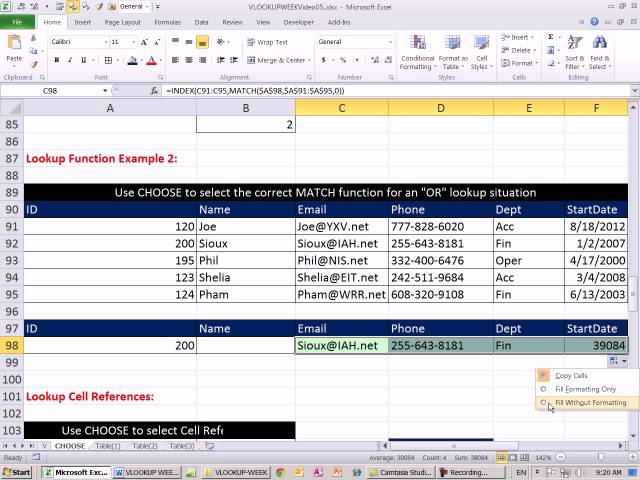
- 7 7. Use CHOOSE to select the correct MATCH function for an "OR" lookup situation min
- 8 8. Use CHOOSE to select Cell Reference min
- 9 9. Select Table for VLOOKUP with CHOOSE, where the values are ranges min
- 10 10. Select Table for VLOOKUP with CHOOSE, where the values are defined names min
- 11 11. Use CHOOSE to select array constant that tells MID function multiple starting points for text extraction, all in order to calculate the "Net Cost Equivalent" for a Series Discount. min
- 12 12. Use CHOOSE with Array constants entered into index_num argument to choose more than one thing at once: "mash" columns together to form a lookup table inside formula. min

