
Completed
Hold down control key
Class Central Classrooms beta
YouTube videos curated by Class Central.
Classroom Contents
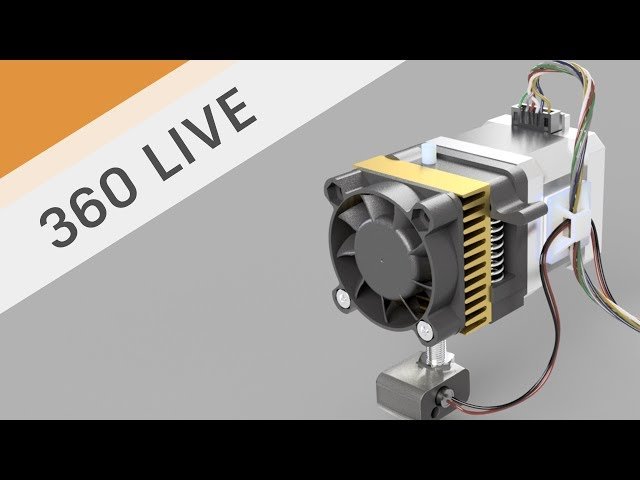
Electrical Wire Routes
Automatically move to the next video in the Classroom when playback concludes
- 1 Intro
- 2 Methodology
- 3 Creating the path
- 4 Creating a sketch plane
- 5 Creating a sweep
- 6 Real world example
- 7 Two different kinds of wire
- 8 Creating a new component
- 9 Moving points
- 10 Tangency line
- 11 Adjusting tangency
- 12 Adjusting points
- 13 Creating a sketch
- 14 Turning off 3D sketch
- 15 Rotating the wire
- 16 Plane along a path
- 17 Draw a circle
- 18 Check for interference
- 19 Expand wires
- 20 Hold down control key
- 21 Inspect interference
- 22 Color wires
- 23 Stepper wires
- 24 Wire bundle
- 25 Creating a plane
- 26 Projecting geometry
- 27 Tangency
- 28 Constraints
- 29 Sweep
- 30 Route
- 31 Plane
- 32 Create Sweep
- 33 Twisting

